 English
 Türkçe
 العربية
 Português
 Русский
 Deutsch
 Française
How to Open WhatsApp
Without a SIM Card
Master the art of digital privacy. Learn the most reliable 2026 methods to activate WhatsApp without a physical SIM card. Use our premium virtual numbers to keep your personal identity hidden while staying connected.
How to Activate WhatsApp with a Virtual Number
Follow these 3 simple steps to set up your account in minutes.
Choose a Virtual Number
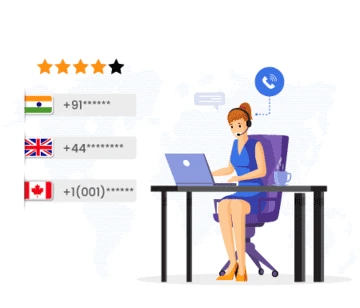
Select a virtual number for WhatsApp from our list. We recommend USA, UK, or Canada numbers for the highest success rate.
Enter in WhatsApp
Open WhatsApp on your device, select the corresponding country, and enter the virtual number we provided.
Verify with SMS Code
Wait for the SMS to arrive on our dashboard. Copy the 6-digit code into WhatsApp to complete your registration.
All numbers below are live and ready to receive SMS messages right now.






























Why Use a Virtual Number for WhatsApp?
Using a virtual number for WhatsApp is the ultimate way to manage your business and personal life separately. It protects your primary phone number from being leaked in group chats and keeps your online presence anonymous.
In 2026, privacy is more important than ever. Our service ensures that your WhatsApp activation is fast, free, and does not require any contract or monthly fees.
- 🚀 No Waiting: Codes delivered in seconds.
- 🛡️ Spam Protection: Keep your real number off public databases.
- 🌍 Travel Friendly: Access your account without roaming fees.